Automatically confirm your dental appointment when you book online
Instead of repeatedly checking whether your online dental booking went through, use the booking response to verify the appointment status, then save the confirmed details in your calendar. For a visit with Dentistry of Tavares, treat an automatic acknowledgment as a received request—not a scheduled appointment—unless it explicitly confirms your visit date and time.
- For automatic appointment confirmation dentist searches, the key distinction is a received request versus a confirmed appointment.
- Dentistry of Tavares offers general and cosmetic dental care for local patients; verify scheduling separately.
- Check the patient name, visit date, and appointment time before saving a confirmed booking.
- A calendar reminder helps you remember a visit; it does not confirm the dental office accepted your booking.
Why this matters
An online acknowledgment and an appointment confirmation do different jobs. An acknowledgment tells you that a form or request was received; a confirmation tells you that a particular visit is scheduled. The wording matters more than how quickly the message arrives.
In 2026, use the same simple rule for an email, text, or booking screen: look for an explicit scheduled status alongside your appointment details. A message that promises a response later still requires follow-up before you treat the visit as settled.
Dentistry of Tavares is best suited to local patients seeking general and cosmetic dental care in Tavares. This guide explains the patient-side booking workflow, including how to recognize a confirmation, keep the details together, and handle changes without creating duplicate requests.
Before you start
Have these items ready before submitting an online appointment request:
- Your contact details and access to your messages. Use an email address or phone number you can check yourself. Review the spelling and digits before submitting, and follow any communication-consent instructions presented during booking.
- Your reason for the visit and scheduling needs. Explain whether you want preventive care, help with a tooth concern, or a discussion about cosmetic treatment. Mention dental anxiety, accessibility needs, or scheduling restrictions when the form provides a suitable place.
- A way to distinguish requested from confirmed. This is the easily missed step: choosing a preferred time does not establish that the office accepted it. Keep the request separate from your confirmed calendar appointments until the response clearly establishes the visit.
For your 2026 booking, prepare 3 appointment details to check together: the patient name, visit date, and appointment time. These are a practical verification checklist, not a promise about what any particular booking system displays.
If you are booking for someone else, make sure you can receive the scheduling response through an authorized contact method. Keep personal health information out of shared calendars and ordinary scheduling notes.
Booking details
Submit a clear appointment request
- Choose the visit purpose. Select the closest matching reason if the booking form provides choices. If your concern does not fit, describe it briefly rather than selecting a treatment you have not discussed with a dentist.
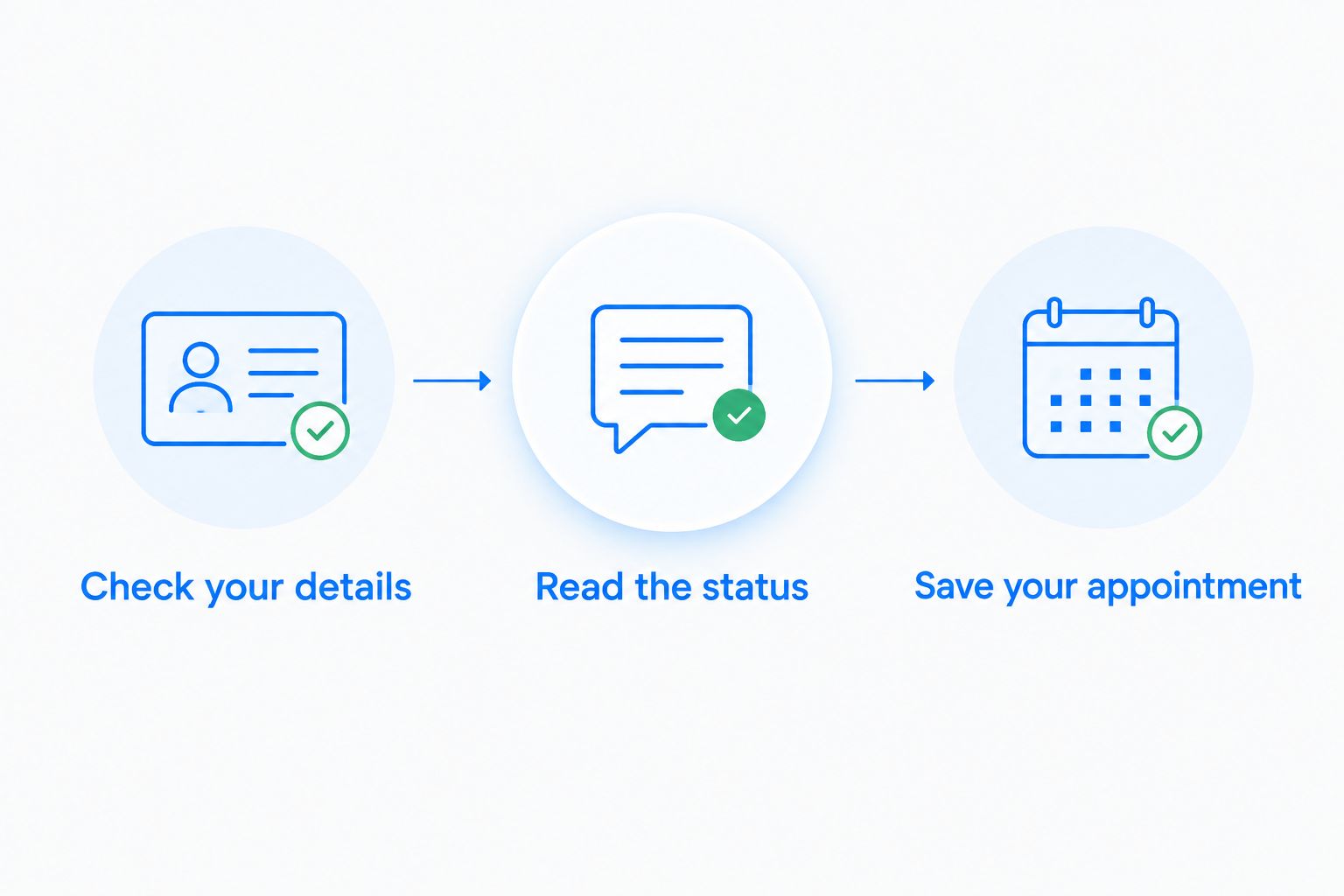
- Check your details. Review your name and contact information before submitting. If you are requesting a preferred date or time, make sure it matches your actual schedule.
- Describe relevant needs. Tell the office if you are nervous about treatment or need an explanation before agreeing to care. Use a suitable notes field if one exists; otherwise, discuss those needs directly with the office.
- Submit once and keep the response. Save the acknowledgment or note the submission status. Avoid sending another request merely because you have not yet received a separate confirmation.
Expected result: You have submitted a clear request and retained its response. Your next task is to establish whether that response confirms an appointment or only acknowledges the request.
Do not add detailed medical history to a general scheduling message unless the office specifically directs you to do so through an appropriate intake process. Appointment scheduling and medical intake are separate tasks, even when you complete them during the same online session.
Read the appointment status
- Read the status. Look for wording that explicitly establishes the appointment as scheduled. A thank-you message alone does not establish that status.
- Match the appointment details. Compare the patient name, date, time, and location shown in the response with the visit you intended to arrange. Resolve differences before making travel or work arrangements.
- Follow any requested action. If the message asks you to respond, follow its instructions. Do not invent a reply word or assume every dental office uses the same confirmation process.
- Clarify an unclear response. Ask whether your appointment is scheduled or still awaiting review. Use a contact method provided by the practice rather than guessing an email address or phone number.
Expected result: You know whether the visit is confirmed, pending, or requires a response. If the status is unclear, you have a specific question to ask instead of submitting another booking.
Use these 2 status checks before marking a visit confirmed: does the message explicitly say the appointment is scheduled, and do its details match the visit you requested? Neither the delivery speed nor the presence of a calendar attachment replaces those checks.
Save the confirmed appointment
- Save your appointment. Once the visit is explicitly confirmed, enter the date, time, and location into your calendar. Copy the details from the confirmation rather than from your original preferred-time request.
- Keep the confirmation accessible. Retain the message so you can find the office's instructions and review what was confirmed. A calendar entry is useful, but it is not a substitute for the original response.
- Set a personal reminder. Choose a reminder that fits your travel and work schedule. This reminder helps you prepare; it does not send a response to the dental office unless the actual system expressly supports that action.
- Review preparation instructions. Check for forms or visit-specific directions. If something is unclear, ask before the appointment rather than applying advice intended for a different procedure.
Expected result: You have 1 confirmed appointment represented by a matching calendar entry and an accessible confirmation message. The request, confirmation, and personal reminder now have distinct roles.
When your appointment changes
A changed appointment needs its own verification. Keep the original visit in place until the office establishes what happens to it; sending a new preferred time does not automatically cancel the earlier appointment.
- Find the instructions associated with your existing confirmation. Follow the stated process for requesting a change, or contact the office directly when no process is given.
- Identify the original appointment and explain the change you need. Make clear that you are rescheduling an existing visit rather than requesting an additional appointment.
- Read the response for the updated date and time. Ask whether the original appointment has been replaced if the message does not say.
- Update your calendar only after the new arrangement is confirmed. Remove the old calendar entry once you know it no longer applies.
Expected result: Your calendar reflects the confirmed arrangement, with no obsolete appointment left beside the replacement. In 2026, an updated message is still something to verify—not a reason to assume every connected calendar changed automatically.
Which scheduling message should you act on?
| Message type | Best for | What it helps you do | Limitation | Your next action |
|---|---|---|---|---|
| Request acknowledgment | Checking that a request was received | Retain a record of your submission | Does not establish a scheduled visit | Wait for or obtain an explicit scheduling response |
| Appointment confirmation | Establishing the scheduled visit | Verify the appointment details | Does not answer every preparation or coverage question | Save the visit and review the instructions |
| Personal calendar reminder | Remembering the confirmed visit | Plan around the appointment | Does not notify the office by itself | Keep it matched to the latest confirmation |
| Change acknowledgment | Tracking a rescheduling request | Record that you asked for a change | Does not establish that the old visit was replaced | Obtain confirmation of the updated arrangement |
Use each message for its stated purpose. A reminder is helpful for remembering a visit, but the office's explicit scheduling response is the source for your appointment status.
Troubleshooting
You received a thank-you message but no appointment details
Treat the message as an acknowledgment unless it explicitly confirms scheduling. Review any stated next steps, then ask the office whether the appointment is confirmed. Do not add an unverified preferred time to your calendar as a settled visit.
The confirmation is missing from your inbox
Check spam or junk folders and review the contact information you submitted. Also check the other communication channel you selected, if applicable. If you still cannot find a response, contact the office to verify the status before submitting another request.
Do not assume a missing message means the appointment failed—or that it succeeded. The useful next step is a status check, not another booking attempt.
The patient name, time, or location is wrong
Ask the office to correct the details and confirm the appointment again. Keep the incorrect response available so you can explain the mismatch clearly. Update your calendar from the corrected confirmation, not from memory.
You received conflicting messages
Compare the appointment details and identify whether either message explicitly replaces the other. If that is unclear, ask the office which arrangement is current. Do not choose a time based solely on whichever notification appeared last on your phone.
Your dental concern needs prompt attention
Do not wait for an automated message when you need help assessing an urgent dental concern. Contact the practice directly and explain your symptoms; same-day care depends on availability and the clinical situation.
The guide to requesting a same-day dental emergency appointment in Tavares covers that separate next step. An appointment request is not a clinical assessment or a guarantee of same-day treatment.
Customize your workflow
Make the confirmed appointment the starting point for preparation, not the finish line. For your 2026 visit, keep scheduling details, intake tasks, and treatment questions separate so you can see what still needs attention.
- For a first visit: Gather the information requested by the office and complete intake through its designated process. Keep any questions about your medical history for the appropriate form or clinical conversation.
- For insurance questions: Ask about your plan and the proposed visit separately from scheduling. A confirmed appointment does not establish insurance coverage, acceptance, or your expected responsibility.
- For dental anxiety: Tell Dentistry of Tavares what makes you uncomfortable. Ask how the visit will proceed and how to communicate if you need a pause; discuss available comfort options before assuming a particular approach is included.
- For budget planning: Ask about treatment options, insurance questions, and payment arrangements directly. Scheduling confirmation is not approval of a treatment plan or financing application.
Keep reminders simple and private. A neutral calendar title and the confirmed time are usually more useful than a long description of your dental concern, especially when other people can see your calendar.
FAQ
Does booking a dental appointment online automatically confirm it?
Only an explicit scheduling confirmation establishes that your appointment is confirmed. A received-request message or a selected preferred time does not establish that the office accepted the visit.
Does Dentistry of Tavares automatically confirm online appointments?
Treat a Dentistry of Tavares booking as confirmed only when the response explicitly establishes the scheduled visit. Follow the instructions in your actual booking response or ask the practice to verify your appointment status.
How do I know whether my dental appointment is confirmed?
Look for an explicit scheduled status with the correct patient name, appointment date, and time. Verify the location and any requested response before treating the arrangement as complete.
Should I reply to a dental appointment confirmation text?
Reply when the message asks you to, using the instructions it provides. Do not assume a particular reply word works across dental offices or that adding the visit to your calendar sends a confirmation.
What should I do if I never receive my booking confirmation?
Check your messages and submitted contact details, then ask the dental office to verify the booking status. Avoid submitting another request until you know whether an appointment already exists.
Does an appointment confirmation mean my insurance will cover treatment?
No, a scheduling confirmation does not establish insurance coverage or treatment approval. Ask about your specific plan and the proposed care separately from the appointment request.
How should I handle a rescheduled dental visit in 2026?
Verify the updated appointment and whether it replaces the original visit before changing your calendar. Keep the new confirmation accessible and remove the old calendar entry once the replacement is established.
One last thing
The easiest detail to miss is whether your calendar entry came from your request or your confirmation. Those can contain different times. Before arranging transportation or time away from work, compare your calendar with the confirmed appointment details.
For your 2026 visit, bring a short list of questions you want answered. You deserve a clear explanation of the appointment and any proposed care, without feeling rushed into decisions.
Related guides
- New patient forms and first-appointment intake
- Understanding your dental insurance
- Dental care for Florida snowbirds
Request an appointment with Dentistry of Tavares and share any questions or concerns you want to discuss.